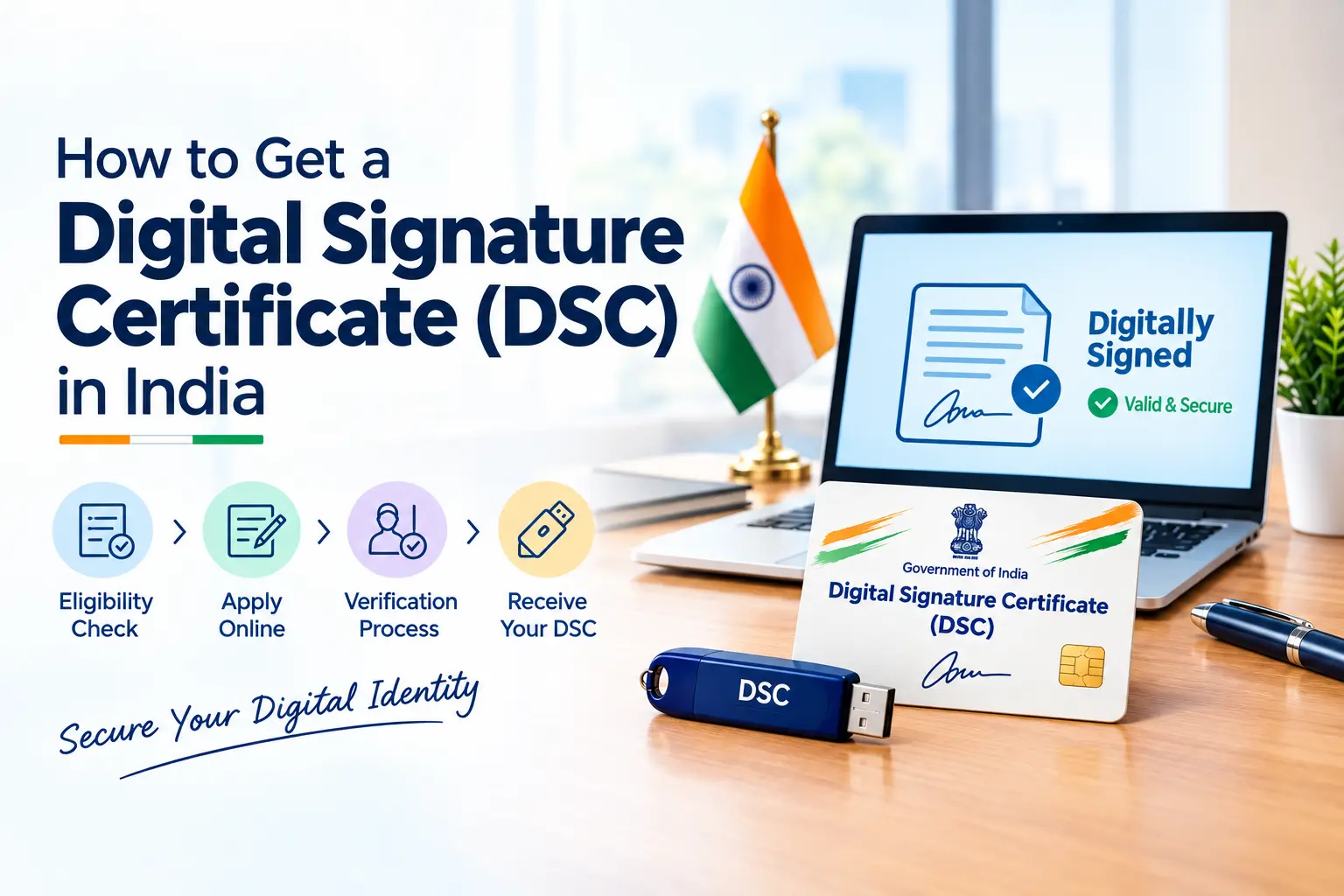
If you’ve ever tried to register a company, e-file your GST returns, or submit a tender online, you’ve probably hit a wall that says you need a Digital Signature Certificate before you can go any further. For most first-time founders, this is the moment DSC stops being an abstract acronym and becomes an urgent problem.
The good news: getting one is faster and simpler than it sounds. Here’s everything you need to know.
What Exactly Is a Digital Signature Certificate?
Think of a DSC as your handwritten signature’s digital twin — except it’s tamper-proof and legally binding. It’s issued by a government-licensed Certifying Authority (CA) and gets attached to your electronic documents to prove three things: that it’s really you signing, that the document hasn’t been altered afterward, and that you can’t later deny having signed it.
Under Section 3 of the IT Act, 2000, a document signed with a valid DSC carries the same legal weight as one signed by hand. That’s why it’s now mandatory across dozens of government portals — MCA (company incorporation and ROC filings), the GST portal, the Income Tax e-filing site, and eTendering/eProcurement platforms.
Who Actually Needs One?
- Company directors and partners filing incorporation or annual ROC forms
- Business owners filing GST returns
- Chartered accountants and professionals e-filing tax returns or audit reports
- Anyone bidding on government tenders (eTendering/eProcurement)
- Exporters/importers dealing with DGFT
- Individuals digitally signing contracts, NDAs, or official PDFs
If none of that applies and you just need to sign a simple agreement, note that a full DSC isn’t always required — Aadhaar eSign or a basic e-signature tool can often do the job faster and cheaper for documents that don’t specifically mandate a DSC.
Which Class of DSC Do You Need?
Almost everyone today needs a Class 3 DSC — it’s now the standard class issued in India and covers the widest range of use cases, from MCA filings to eTendering. Within Class 3, you’ll also choose between:
- Signature-only — for signing documents and returns (most common)
- Signature + Encryption (combo) — required specifically if you’re participating in eTendering/eProcurement
You’ll also pick a validity period, typically 1, 2, or 3 years.
Documents You’ll Need
- PAN card
- Aadhaar card (for address proof and eKYC)
- A recent passport-size photograph
- A valid email address and an active mobile number (for OTP verification)
- Passport, in place of Aadhaar, for foreign nationals
How to Apply: The Step-by-Step Process
- Choose a licensed Certifying Authority. Only CAs authorised by the Controller of Certifying Authorities (CCA) can legally issue a DSC — eMudhra and Sify are two of the most widely used. You can cross-check any CA against the official list on the MCA website before paying anyone.
- Fill out the online application. Enter your details exactly as they appear on your PAN and Aadhaar, select Class 3, pick your certificate type (signature-only or combo), and choose your validity period.
- Complete eKYC verification. This is done through PAN-based or Aadhaar-based paperless eKYC, along with mobile OTP, email OTP, and a short live video verification — no need to mail physical documents in most cases.
- Make the payment. Fees typically start around ₹1,000 and vary depending on validity period, certificate type, and whether a USB token is included.
- Certificate issuance. Once your details clear verification, the CA generates your public-private key pair and issues the certificate — the certifying authority conducts a final review and approves the application after verification, typically within a couple of hours once documents are uploaded.
- Download it onto a USB token. Your DSC gets installed on a small, FIPS-compliant hardware token that you plug into your computer whenever you need to sign something. The physical token is usually shipped to your address via tracked courier within a few days.
Done right, the whole process — from application to an issued certificate — can often be wrapped up within a day.
Registering Your DSC on Government Portals
Getting the certificate is only half the job — you also need to register it wherever you’ll use it:
- MCA portal: Link the DSC to your director/designated partner profile under “Register DIN/DSC”
- GST portal: Register your DSC under your GSTIN profile using the emsigner utility
- Income Tax portal: Register it in your e-filing profile before submitting returns or audit reports
Each portal has a slightly different registration flow, but most follow the same general pattern — install the token driver, download the required bridging software, and link the certificate to your account.
Cost and Validity
DSC pricing varies by provider, validity, and certificate type, but expect to pay roughly ₹1,000–₹2,500+ for a 1–2 year Class 3 signature certificate, with the USB token usually bundled in. Certificates are commonly issued with either a one-year or two-year validity period, and can be renewed upon expiry by submitting updated documents and going through identity verification again — essentially a lighter version of the original process.
2026 Update: What’s Changed
Two things are worth knowing if you’re applying or renewing this year:
- New series tokens only. Certificates issued after March 2023 only work with “new series” USB tokens — if you’re renewing an older DSC, you may need a new token even if your current one still functions physically.
- Security standard transition. The industry is moving from FIPS 140-2 to the FIPS 140-3 security standard for cryptographic tokens, with a transition deadline around September 2026. When buying a new token, check it’s FIPS 140-3 ready to avoid a forced replacement soon after.
Common Mistakes to Avoid
- Applying through an unregistered “CA agent” instead of a CCA-licensed Certifying Authority
- Mismatched details between your PAN, Aadhaar, and the DSC application form (this is the #1 cause of rejected applications)
- Forgetting to register the DSC on the specific portal (MCA/GST/ITR) after receiving it
- Letting the certificate lapse before a filing deadline — renewal isn’t instant
- Sharing your USB token or its PIN with anyone; a DSC is legally tied to you personally
FAQs (Frequently Asked Questions)
How long does it take to get a DSC in India?
Typically 1–2 days if your documents and eKYC checks go smoothly; some providers complete it within hours.
Can I get a DSC without a physical USB token?
Class 3 DSCs used for MCA, GST, and ITR filings are generally issued on a hardware token, since most portals require it for signing. Paperless application doesn’t mean tokenless certificate.
Is Aadhaar mandatory for a DSC?
Aadhaar-based eKYC is the fastest route, but PAN-based verification and, for foreign nationals, a passport are accepted alternatives.
Can a DSC be used for personal and business purposes both?
Yes — an individual Class 3 DSC can be used for personal filings (ITR, e-signing) and, once registered, for company/business-related filings too.