
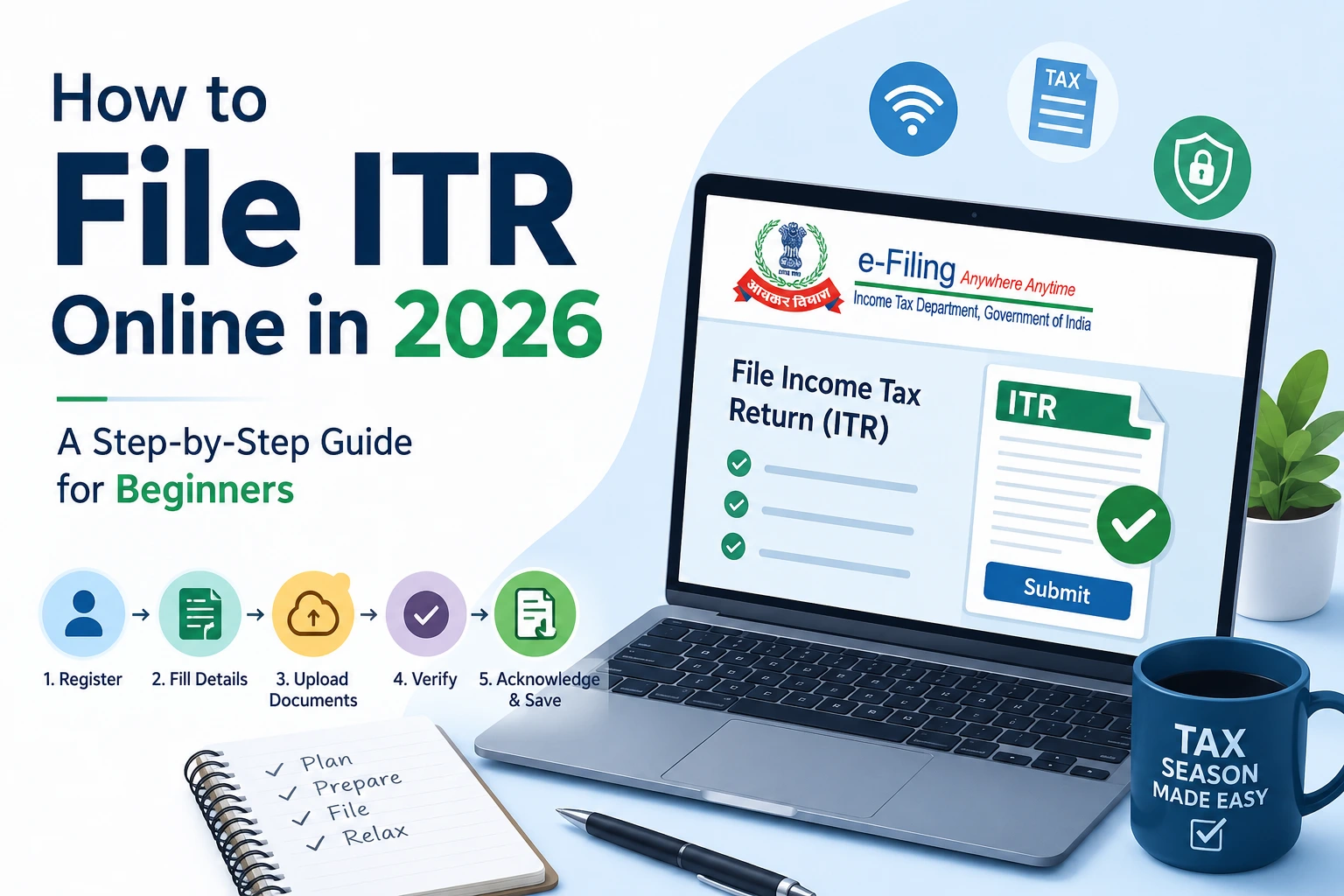
Filing your income tax return online sounds intimidating the first time. There are forms, regime choices, pre-filled data to verify, and digital signatures to worry about. But if you follow the right income tax return filing steps, most salaried taxpayers can complete the ITR e-filing process in under 30 minutes.
This ITR filing guide for India walks you through the entire process — from logging in to getting your acknowledgment number — in plain language. Whether you are filing for the first time or simply want a reliable refresher on how to file ITR online in 2026, this guide covers everything you need.
Before You Start: Documents You Need
Before you begin the ITR e-filing process, keep these documents ready:
- Form 16 from your employer (Part A and Part B)
- Form 26AS — downloadable from the e-filing portal under “My Account”
- Annual Information Statement (AIS) — available in the portal; reflects all income sources
- Bank account statements — for interest income
- Capital gains statements from your broker or mutual fund AMC (if applicable)
- Investment proofs — for 80C, 80D, HRA, home loan interest (if opting for old regime)
Having these ready before you file income tax return online will save time and prevent errors.
Step 1: Log In to the Income Tax E-Filing Portal
The first step in the income tax return filing process is logging in to the official portal.
Visit incometax.gov.in and log in using:
- PAN + password, or
- Aadhaar OTP (if your Aadhaar is linked to PAN)
If you are a first-time user, register using your PAN. It takes just a few minutes. Once logged in, you are ready to begin the ITR e-filing process for FY 2025-26 (AY 2026-27).
Step 2: Select the Correct ITR Form
Choosing the right form is one of the most important income tax return filing steps. Selecting the wrong form triggers a defective return notice.
| Your Situation | ITR Form |
| Salaried, income below ₹50 lakh, 1–2 house properties | ITR-1 (Sahaj) |
| Capital gains, foreign income, or more than 2 house properties | ITR-2 |
| Business/professional income, presumptive taxation | ITR-4 (Sugam) |
| Business income with regular books | ITR-3 |
For most salaried employees who file income tax return online, ITR-1 is the correct choice. When in doubt, the portal itself offers a guided selection tool that recommends the right form based on your income sources.
Step 3: Choose Your Tax Regime
When you open the ITR form as part of the ITR e-filing process, the portal will ask: “Do you wish to opt out of the new tax regime?”
- Select No (default) to stay in the new regime
- Select Yes to switch to the old regime
This choice significantly impacts your tax liability:
- New regime — offers a rebate making income up to ₹12 lakh effectively tax-free, plus a standard deduction of ₹75,000
- Old regime — allows deductions under 80C, HRA, home loan interest, and more
Use the tax calculator on the portal before deciding. Choosing the right regime is one of the most financially impactful income tax return filing steps you will take.
Step 4: Verify Pre-Filled Data
One of the biggest advantages when you file ITR online in 2026 is pre-filled data. The portal automatically pulls information from:
- Your employer’s TDS returns
- Form 26AS
- Annual Information Statement (AIS)
However, do not accept pre-filled data blindly. Common mismatches include:
- TDS not correctly reflected from a previous employer
- Bank interest not pre-filled
- Capital gains amounts differing from your broker’s statement
Cross-checking AIS before filing is a critical income tax return filing step. Mismatches between your return and AIS data are one of the most common triggers for income tax notices.
Step 5: Enter Deductions and Exemptions (Old Regime Only)
If you opted for the old regime during the ITR e-filing process, this step requires careful attention. Enter the following wherever applicable:
- Section 80C — PPF, ELSS, LIC premiums, home loan principal (up to ₹1.5 lakh)
- Section 80D — health insurance premiums
- HRA exemption — if your rent exceeds 10% of your salary
- Home loan interest — under Section 24(b), up to ₹2 lakh for self-occupied property
These deductions can significantly reduce your tax liability, which is why millions of taxpayers still choose the old regime when they file income tax return online.
Step 6: Review Tax Payable or Refund Due
After entering all income and deduction details, the ITR e-filing portal automatically calculates:
- Total income
- Applicable deductions
- Tax liability
- TDS already deducted
- Net payable or refund
If there is additional tax payable, pay it as Self-Assessment Tax (Challan 280) before submitting. Submitting your return without paying outstanding tax is a common mistake that leads to demand notices.
Step 7: Preview and Submit
Before you complete the ITR e-filing process and hit submit, do a final review:
- Check the full income and tax summary
- Ensure your bank account is pre-validated for refund credit
- Confirm your registered mobile number and email are correct
Click Submit and note down the acknowledgment number. This number is your proof that you have successfully filed an income tax return online for FY 2025-26.
Step 8: E-Verify Your Return
E-verification is the most important and most overlooked income tax return filing step. Your return is not considered filed until it is verified.
Verification options:
- Aadhaar OTP — fastest and most common; instant verification
- Net banking — through your bank’s portal
- Demat account — if you hold a demat account
- ITR-V by post — send signed copy to CPC Bengaluru within 30 days (only if e-verification is not possible)
Most taxpayers who file ITR online in 2026 choose Aadhaar OTP verification because it completes the process in seconds.
Common Mistakes to Avoid When You File ITR Online
Even experienced filers make these errors during the ITR e-filing process:
- Selecting the wrong ITR form — causes a defective return notice
- Not verifying within 30 days — the return is treated as not filed
- Not cross-checking AIS before filing — mismatches frequently trigger notices
- Forgetting to report savings account interest — all interest above ₹10,000 is taxable
- Not declaring all bank accounts — even dormant accounts must be listed when you file income tax return online
Frequently Asked Questions About ITR E-Filing
Q: Can I file ITR online without Form 16?
Yes. You can use salary slips, bank statements, and AIS/Form 26AS to complete the income tax return filing steps without Form 16.
Q: Is there a fee to file ITR online?
No. Filing on the official income tax portal is completely free. Avoid third-party portals that charge fees for basic filing services.
Q: Can I complete the ITR e-filing process on mobile?
Yes. The e-filing portal is mobile-friendly, and the AIS app is available on both Android and iOS.
Q: What is the difference between AIS and Form 26AS?
Form 26AS shows TDS and TCS credits. AIS is more comprehensive — it includes savings interest, dividends, mutual fund transactions, and more. Always check AIS before you file income tax return online to avoid mismatches.
Q: What is the last date to file ITR online for FY 2025-26?
The standard deadline to file income tax return online for FY 2025-26 (AY 2026-27) is July 31, 2026 for individuals and salaried taxpayers not subject to audit.
You Are More Ready Than You Think
Most first-time filers spend more time worrying about the ITR e-filing process than actually doing it. With pre-filled data, a guided interface, and a completely free portal, learning how to file ITR online in 2026 has never been easier.
Set aside 30 minutes this week, gather your Form 16 and AIS, follow these income tax return filing steps one by one, and get it done before the July 31 deadline. Once you have filed an income tax return online once, the process becomes second nature.
This ITR filing guide for India is based on the income tax rules and portal features applicable for FY 2025-26 (AY 2026-27). Always verify current rates and deadlines at incometax.gov.in.